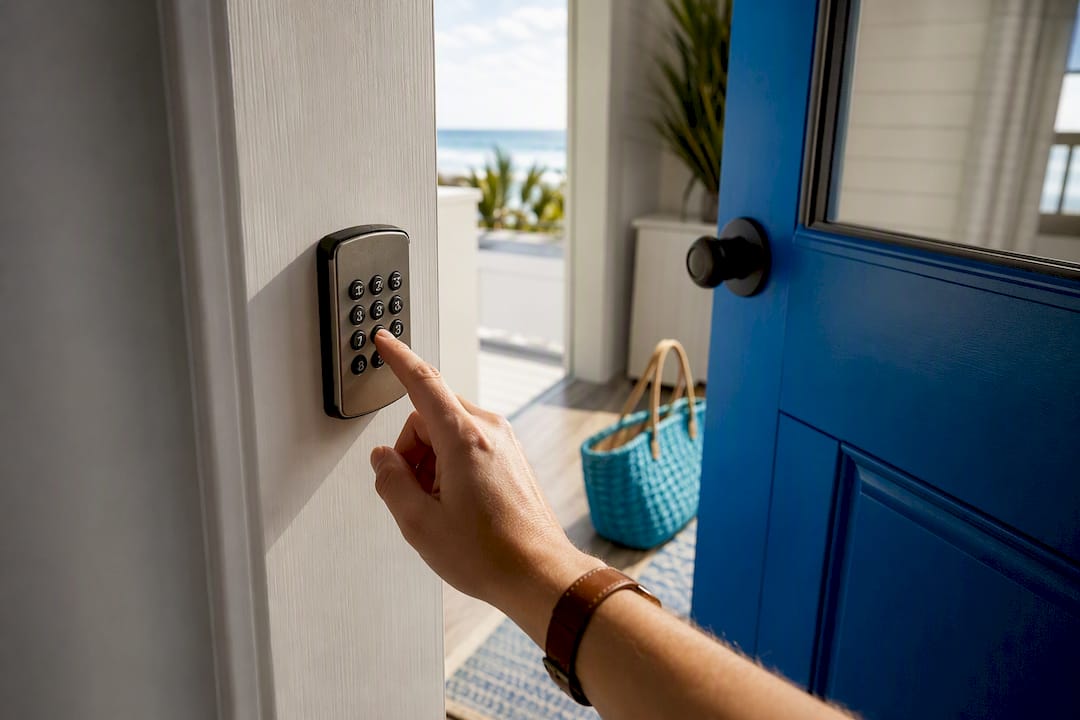
Self check-in rentals let you unlock your vacation home yourself, using a code, an app, or a key from a lockbox, without waiting on a host to hand you keys. The main payoff is flexibility: you arrive at 11 PM after a delayed flight or roll in early after a long drive, and the door opens either way. Before you book, confirm the listing states a unique, per-reservation access code and names a real backup contact for the property.
TL;DR:
Self check-in properties typically use unique, reservation-expiring codes, with smart locks offering automatic code generation and physical backups for outages.
Lockboxes are low-cost but more vulnerable to tampering and depend on hosts regularly rotating codes; building intercoms may add extra access steps.
In Panama City Beach, verify listing details for the exact check-in method, review past guest comments on reliability, and confirm a 24/7 local contact before booking.
Arrivals should plan for messaging instructions 24 to 48 hours beforehand and keep a photo of the entry point and code as a backup in case of connectivity issues.
Self check-in is ideal for late arrivals or flexible schedules, but not suited for luxury properties with high-security or where direct host interaction is desired.
Table of Contents
What Self Check-In Actually Means for Your Rental
Self check-in covers a handful of physical setups, and the one attached to your rental changes what your arrival actually looks like. Most listings that offer it fall under a badge or filter on the booking platform itself, so you can screen for it before you ever message a host.
Smart locks are the most common setup on professionally managed properties. You get a code sent through an app, or the lock connects to Wi-Fi or Bluetooth and generates a fresh PIN for your dates. Smart locks paired with property management software can automate that code generation and expiration, which is why they’re becoming the default for hosts running more than one unit. The tradeoff: a dead lock battery or a Wi-Fi outage can occasionally cause hiccups, though most units have physical keypad backups built in.
Keypad deadbolts work offline, which is their biggest advantage. You punch in a numeric code, no app or signal required. The limitation is that changing the code between guests takes a manual step, so reliability depends entirely on how disciplined the host is about resetting it.
Lockboxes are the low-cost, low-tech option. A key sits inside a combination box bolted to a railing or door. They’re cheap and dependable in a power outage, but they carry two real risks: physical tampering over time, and hosts who forget to rotate the combination between stays.
Building intercoms and buzzer systems add a layer condo travelers should watch for. Even with a self check-in unit, a front desk or a call box can require an extra step, and some buildings have front-desk hours that limit late arrivals.
A quick rundown of what to expect from each:
-
Smart locks: remote codes, app-based entry, occasional connectivity issues, best for scaling multiple units
-
Keypad deadbolts: fully offline, reliable, dependent on the host resetting codes
-
Lockboxes: cheapest option, prone to tampering, only as secure as the host’s rotation habits
-
Building intercoms: can add front-desk hours or buzzer steps on top of your unit’s own lock
What to Expect the Day You Arrive
Timing matters more than most travelers assume, and knowing the standard windows helps you plan your drive or flight. Here’s the typical sequence for a well-run self check-in rental:
-
Booking confirmation. On properties using smart locks and property management software, your access code often generates automatically the moment your reservation is confirmed.
-
The pre-arrival message. Most hosts and platforms send full instructions 24 to 48 hours before you arrive. Airbnb specifically bundles a saved check-in package for guests three days out when a host has set up an Arrival Guide.
-
The instructions themselves. A complete message gives you the address, your code, the exact door to use (not just “the building”), where to park, and an emergency contact number.
-
A second reminder. Well-organized hosts follow up around 24 hours before arrival, repeating the code so you’re not digging through old messages.
Save that message offline and snap a photo of the door or lock the moment you find it. Cell service near beach parking lots and rural driveways isn’t always reliable, and a host who also posts the code inside a printed guidebook gives you a second place to check. That kind of redundancy eliminates the single most common cause of check-in failure: guests who simply can’t locate the code they were sent.
Your Pre-Booking Checklist for Self Check-in Accommodation Options
Before you commit to a booking, a few minutes of listing review saves you a stressful night. Run through this while you’re still comparing properties:
-
Look for an explicit self check-in badge or filter, then confirm the listing description names the actual method (lockbox, keypad, smart lock).
-
Scan reviews for mentions of check-in specifically. Past guests will tell you if a code didn’t work or a host went dark.
-
Check how fast the host responds to messages elsewhere in the reviews. A slow responder is a bigger risk than the lock itself.
-
Confirm there’s a named 24/7 contact or local manager, not just a “message the host” button with no stated response time.
-
If the property is in a condo or gated community, check for mentions of front-desk hours, buzzer codes, or extra ID steps, since building rules can add access steps even in the U.S.
Pro Tip: Cross-reference the listing photos against the check-in instructions before you travel. If the instructions mention “the blue door on the side” but every photo shows the front entrance, message the host to clarify before you’re standing in a driveway at midnight.
For a broader look at matching property features to your trip, this guide to choosing a vacation rental walks through the same kind of screening for other amenities.
How Hosts Keep Self Check-In Secure
The baseline security practice for any self check-in rental is a unique code issued per reservation that expires automatically at checkout. That single feature separates a well-run property from a risky one, since static, never-changing codes are the mark of an insecure setup.
Lockboxes carry the most risk of the common methods, mainly because rotating a physical combination requires a host to remember to do it after every guest. Smart locks handle this automatically when they’re tied into property management software, which is also why multi-property hosts lean on that integration instead of manually managing dozens of codes across different units.
Smart locks fail occasionally, usually from a dead battery or a dropped Wi-Fi connection. Hosts who’ve thought this through keep a physical backup key nearby or a local manager on call for exactly that scenario.
One underrated security perk: smart locks create timestamped access logs that show exactly when a code was used. That’s a real advantage over a physical key that could be copied without anyone knowing. If a property mentions a doorbell or entry camera, hosts are required to disclose it, and reasonable disclosure is a sign of a professionally run listing, not a red flag.
-
Per-reservation codes with automatic expiry: the non-negotiable baseline
-
Lockbox rotation between guests: the single biggest lockbox risk to check for
-
Smart lock backups: physical key or on-call manager for outages
-
Visible entry cameras with disclosure: a normal, lawful security measure
If Your Code Doesn’t Work, Do This
A code that won’t open the door is almost never a dead end. Work through this order before you panic:
-
Re-check the basics. Confirm you’re at the right address (beach towns often have similarly numbered units across streets), try removing any leading zero from the code, and if there’s both a keypad and an app option, try the other one.
-
Message the host directly, and include your reservation ID, a photo of the exact lock you’re standing at, and the time. That context lets them troubleshoot in one message instead of three rounds of back and forth.
-
Give it 10 to 15 minutes, since most hosts or local managers respond fast, especially during peak check-in hours.
-
Escalate to platform support if the host is unreachable for 30 minutes or more, particularly late at night. Platforms can often reach a backup contact on file even when the host doesn’t answer.
Pro Tip: Save the property’s local contact number in your phone before you leave for your trip, not after you’re standing outside with no signal. A rental listed through a property management system, like the operations platforms hosts use through RealtevoOS, typically has a documented backup contact precisely because the system tracks who’s responsible for that unit.
What Panama City Beach Listings Show You Before You Book
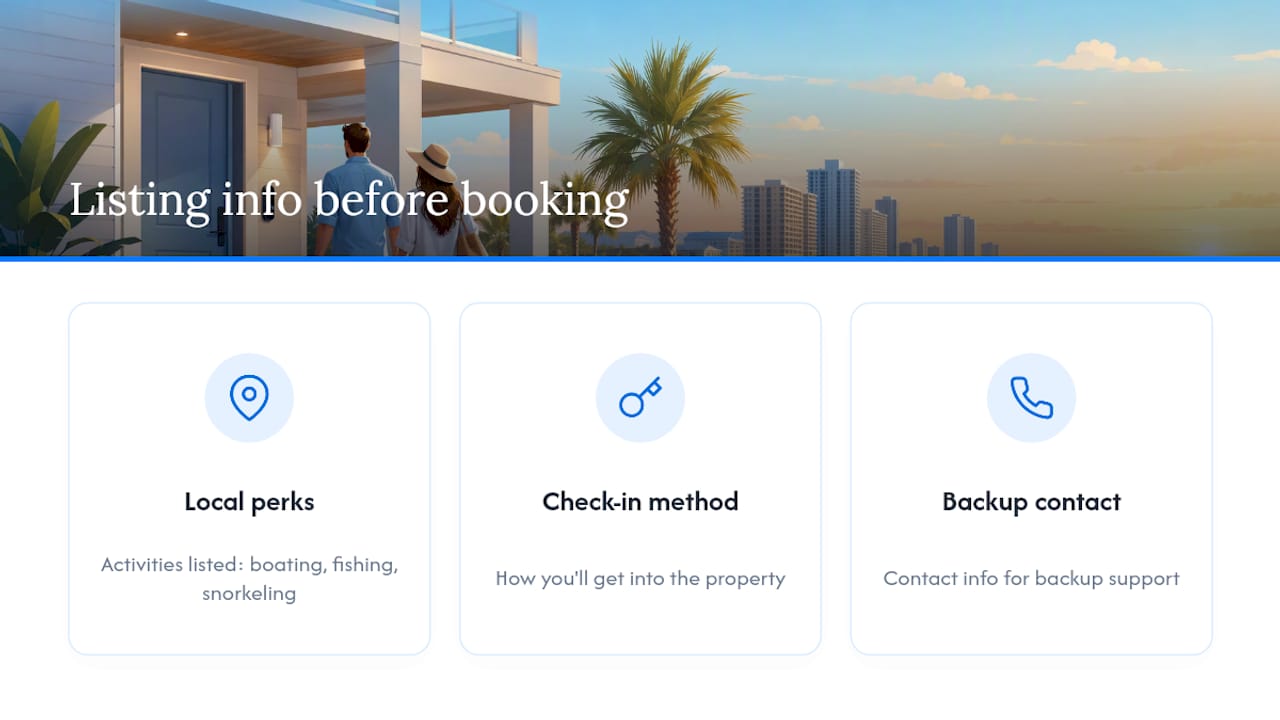
Panama City Beach draws travelers for its sugar-white sand, emerald-green Gulf waters, and a coastline that stretches more than 27 miles, and the properties listed here reflect that laid-back setting. Whether you’re planning around boating, fishing, paddleboarding, parasailing, snorkeling, golf, or a night of waterfront seafood, the property pages are built to give you the same access clarity you’d want anywhere else.
Each listing on our site is meant to spell out how you’ll get into the property, along with contact information for backup support if something doesn’t go as planned. Before you commit, look for that detail on the property page itself rather than assuming it. A listing that’s upfront about its check-in method usually reflects a host who’s just as organized about everything else.
When Self Check-In Rentals Make Sense, and When They Don’t
Self check-in earns its reputation with a specific type of trip: a late flight into a beach town, a multi-stop road trip where your arrival time keeps shifting, or simply travelers who’d rather skip small talk after a long day. It removes the single biggest scheduling headache of a vacation rental, which is coordinating your arrival with someone else’s calendar.
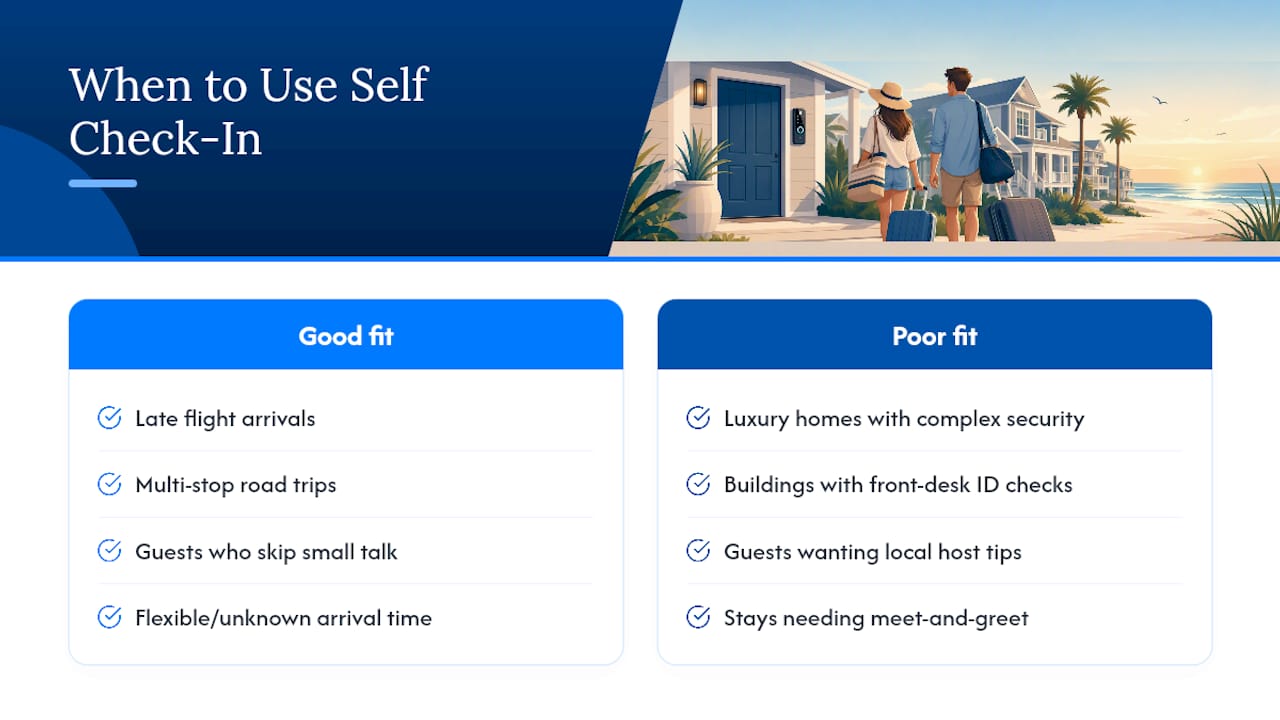
It’s not the right fit for every stay, though. A luxury property with a complicated security system, a building with a front desk that requires ID verification, or a trip where you actually want a local host’s dinner recommendations all argue for a meet-and-greet instead. There’s real value in a five-minute conversation with someone who knows the neighborhood.
If you’re not sure which setup fits your plans, reach out and we’ll help you find a Panama City Beach property that matches how you actually travel.
— Joe
Book a Self Check-In Rental in Panama City Beach
Compared to hunting through generic listing sites where “self check-in” sometimes just means a note buried in the house rules, our marketplace flags it directly on the property page alongside the actual method, whether that’s a smart lock, keypad, or lockbox. You’re not left guessing until after you’ve paid.
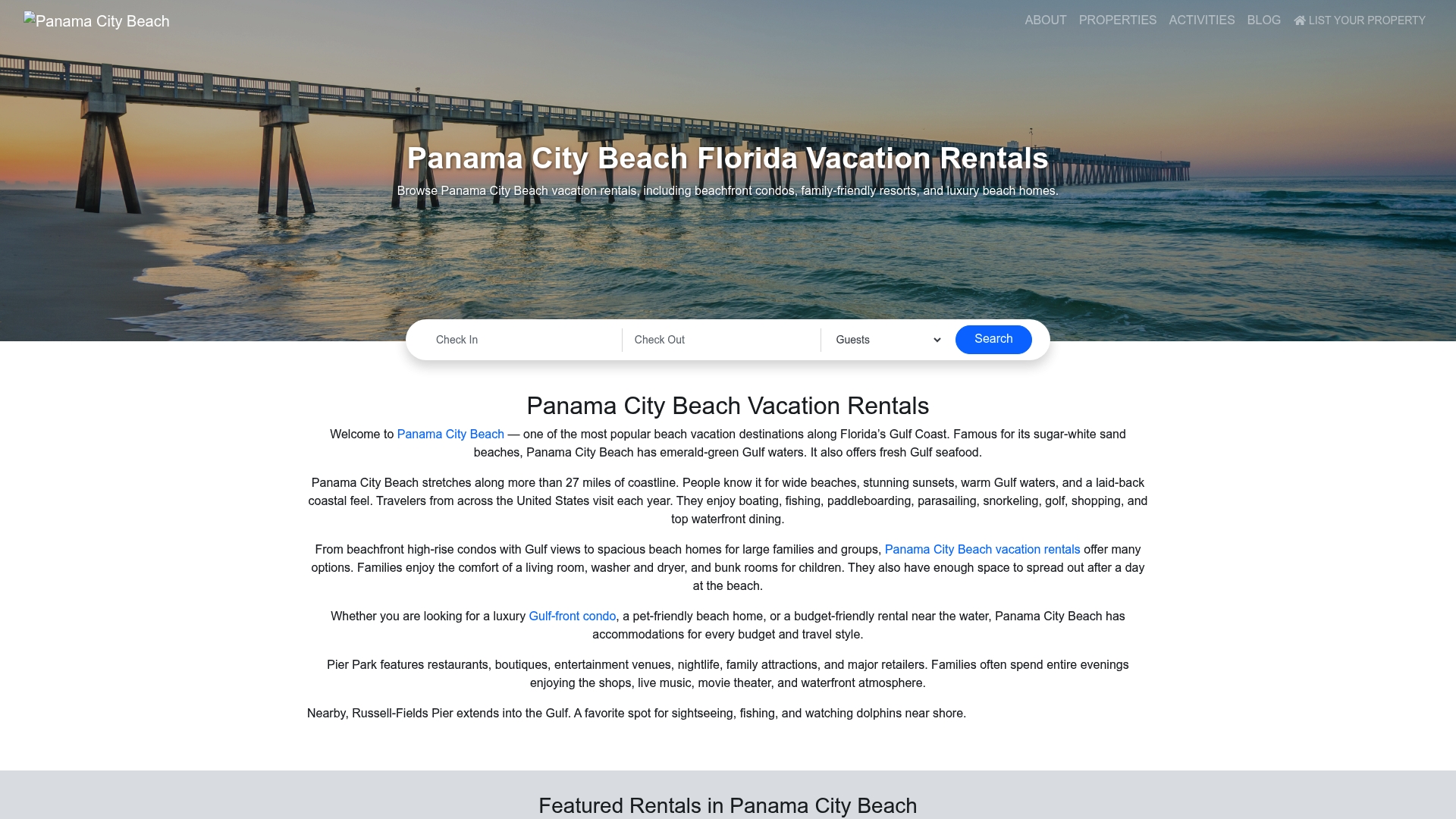
Before you book any property, confirm three things on its listing page: the self check-in method, when pre-arrival messaging goes out, and who the local contact is if something goes wrong at 10 PM. Our Panama City Beach vacation rentals page lets you browse beachfront condos, family homes, and pet-friendly properties with that detail available upfront, so you can filter for the arrival experience that actually fits your trip instead of finding out at check-in time. Start browsing available dates now and lock in a property that’s built for exactly the kind of flexible arrival you’re planning.
Sources
For a deeper look at how hosts build their check-in workflow, the Lodgify self check-in overview breaks down scheduling and photo-based instructions in more technical detail. Hosts managing several units can review Hostaway’s glossary entry on property management system integration, and Hostfully’s breakdown of the Airbnb check-in process covers the platform’s automatic messaging windows. Anyone managing a front-desk or lobby handoff can also compare notes against this hotel check-in workflow guide for how professional hospitality operations time their guest communication.
Recommended
About the Author
Joe Godar of the PanamaCityBeachFlorida.com Editorial Team creates destination guides, vacation-planning resources, and local travel content focused on Panama City Beach, Florida.
Our team researches local beaches, vacation rental trends, family activities, restaurants, attractions, events, and direct-booking best practices. Every guide is created to help travelers plan more confidently, experience the best of Panama City Beach, and avoid unnecessary third-party guest service fees.
PanamaCityBeachFlorida.com is part of the Emerald Coast by Owner marketing family, connecting travelers directly with verified vacation rental hosts throughout the Gulf Coast since 2016.
This article was reviewed for accuracy and updated using local destination research and current Panama City Beach vacation rental market insights.